

Download TikTok Videos Without Added Watermarks
Download supported public TikTok videos in Chrome without TokSorter adding a watermark. Sort a visible set, review source posts, and save selected media.
TIKTOK RESEARCH TOOLKIT / CHROME
TokSorter turns the public posts already loaded in your browser into a research workflow. Sort a visible set, inspect engagement signals, export structured data, create transcripts, review hashtags, or save supported media.
Desktop Chrome · 5.0/5 from 8 public ratings · checked 2026-09-08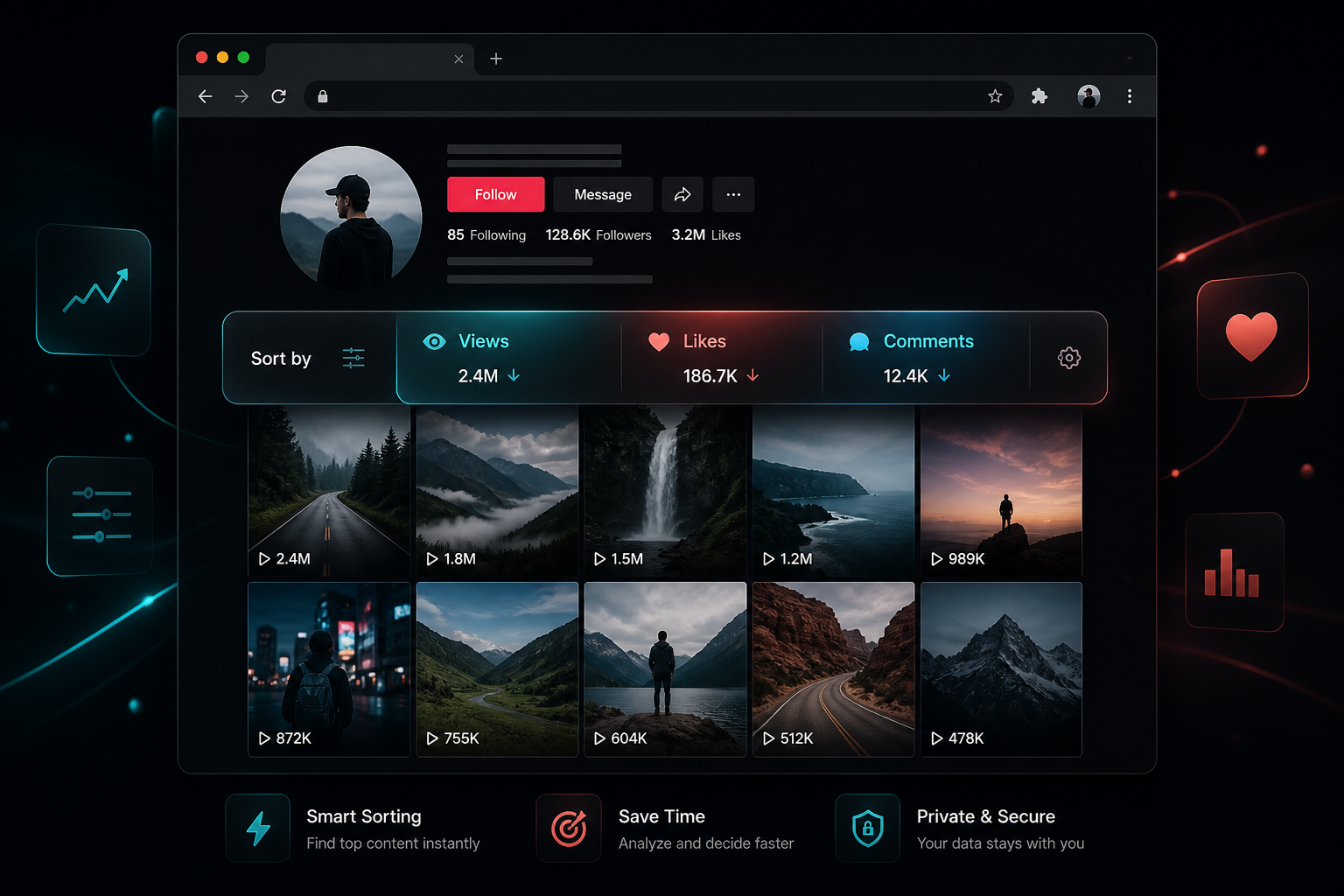
VERIFIED MARKETPLACE FEEDBACK
Selected public reviews are reproduced verbatim with the reviewer name, rating, and publication date shown on the Chrome Web Store. Counts can change after the verification date of September 8, 2026.
“Outstanding extension”
“The swiftness of this tool is top notch!!”
“I love this tool, it works so perfectly!”
Start with the question you need to answer. Each tool works with the same browsing session, so you can move from discovery to evidence without rebuilding the list.
START HERE
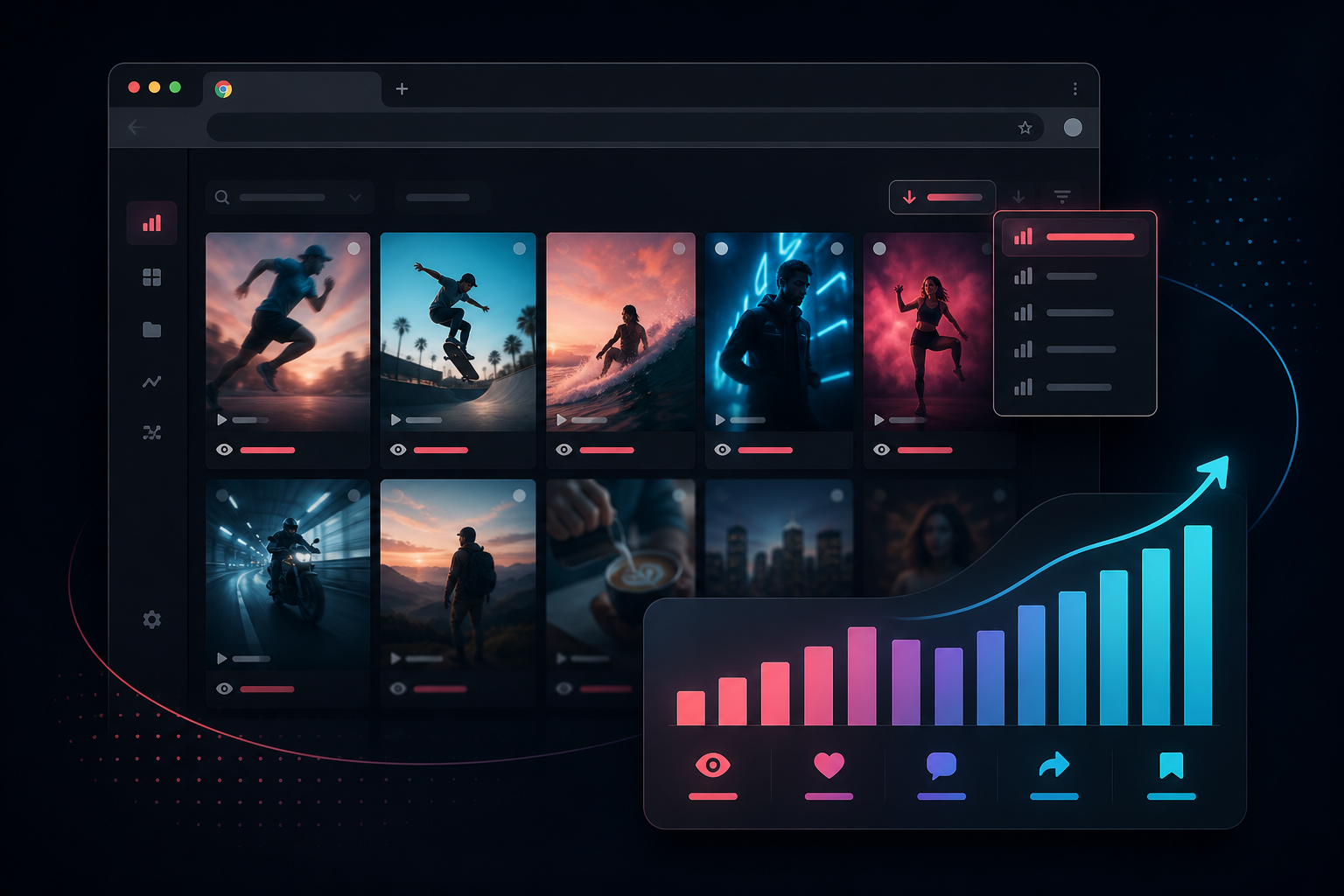
Put the strongest signals first without opening posts one by one. Re-sort the same loaded set to compare reach, reaction, conversation, spread, saves, and recency.
Download supported public videos and photos while you browse. Sort first, then save the clips that matter.
03Turn spoken audio into searchable text. Repurpose hooks, audit competitors, and export insights.
04Create broad, niche, and evergreen hashtag starting sets, then edit them for your topic.
05Export the current session to CSV, JSON, or Excel with views, likes, comments, and more.
Start with a question, keep the collection boundary visible, and preserve enough context for another person to review the result.
Decide whether you are comparing reach, audience response, recent activity, creative formats, or spoken hooks.
Load a defined range, choose the signal that matches the question, and review the actual source posts before interpreting the result.
Export the session, copy selected transcripts, or save supported media with the source URLs and collection context intact.
LOCAL-FIRST CORE
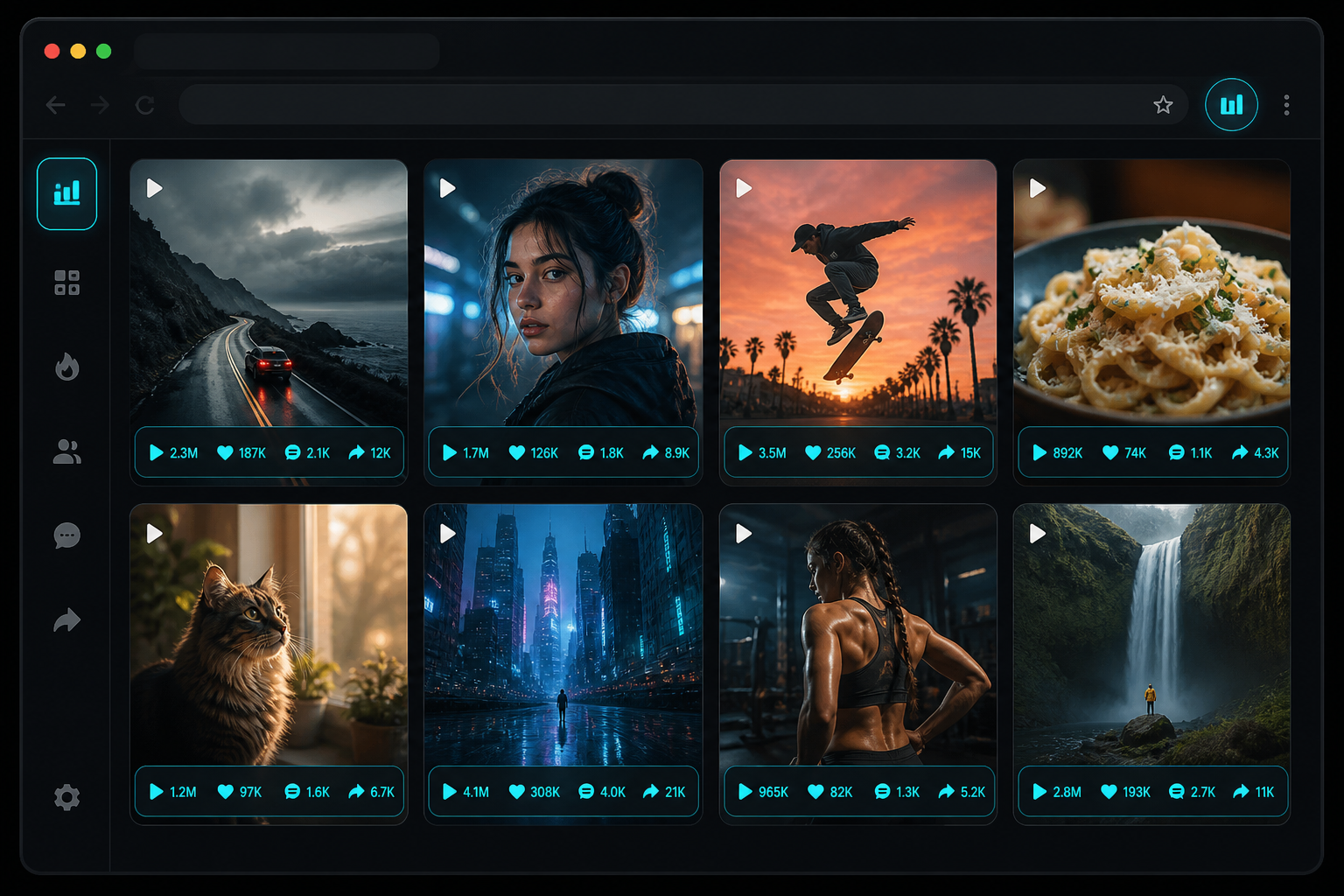
The statistics overlay puts visible engagement data on the grid. You can inspect which posts are in scope, change the sort order, and only then choose what to keep.
A useful TikTok research workflow should end with a decision, not a folder full of disconnected screenshots.
Focused workflows for sorting, exporting, transcription, and competitor review.
Download supported public TikTok videos in Chrome without TokSorter adding a watermark. Sort a visible set, review source posts, and save selected media.
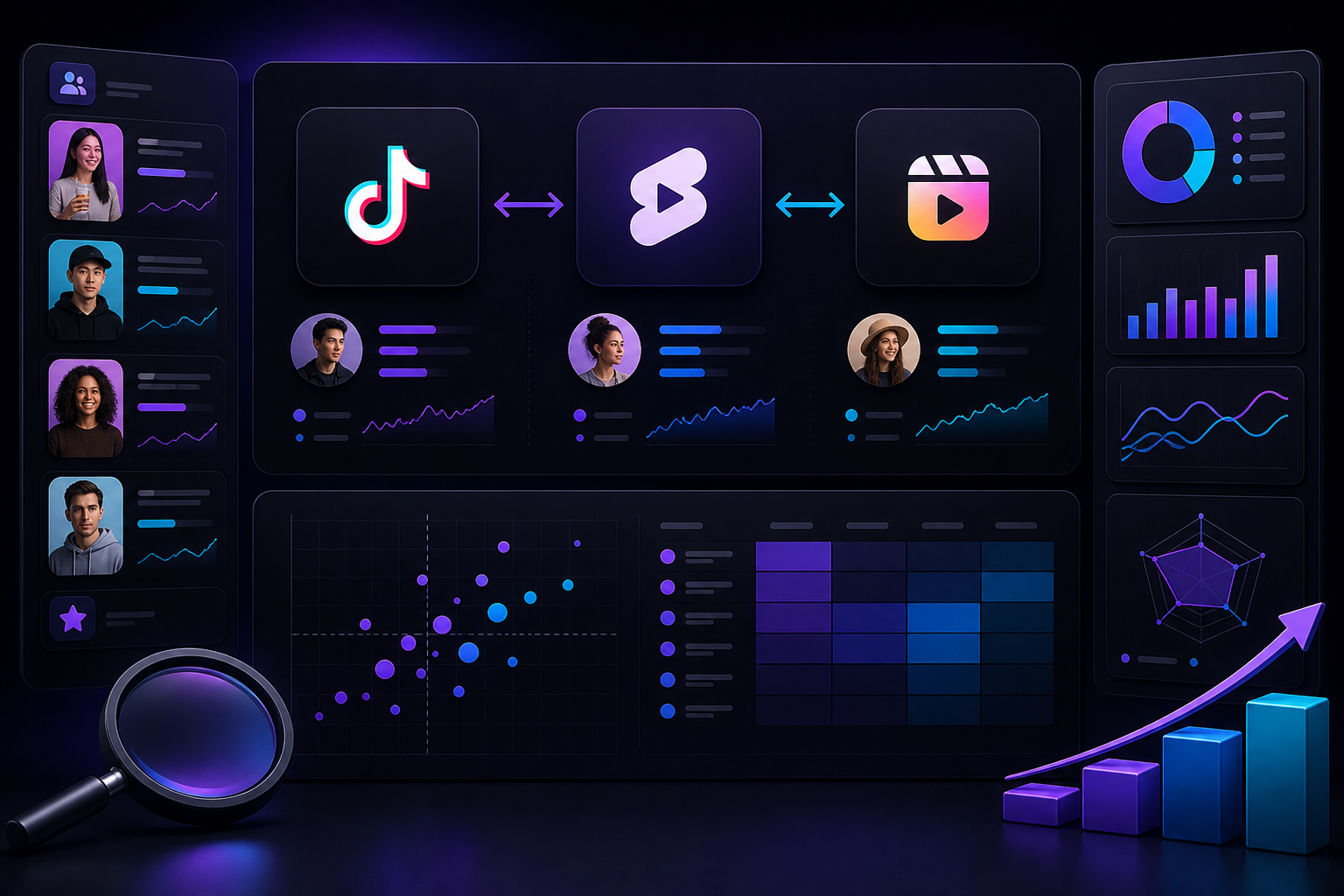
Build a repeatable TikTok competitor audit: define the collection range, compare visible metrics, review source videos, and export a documented worksheet.

Sort the visible posts on a TikTok hashtag page by views, inspect the source videos, and document high-count examples without treating them as the full tag.
Install TokSorter, load the posts you need, and sort the current grid before deciding what to export, transcribe, or save.